
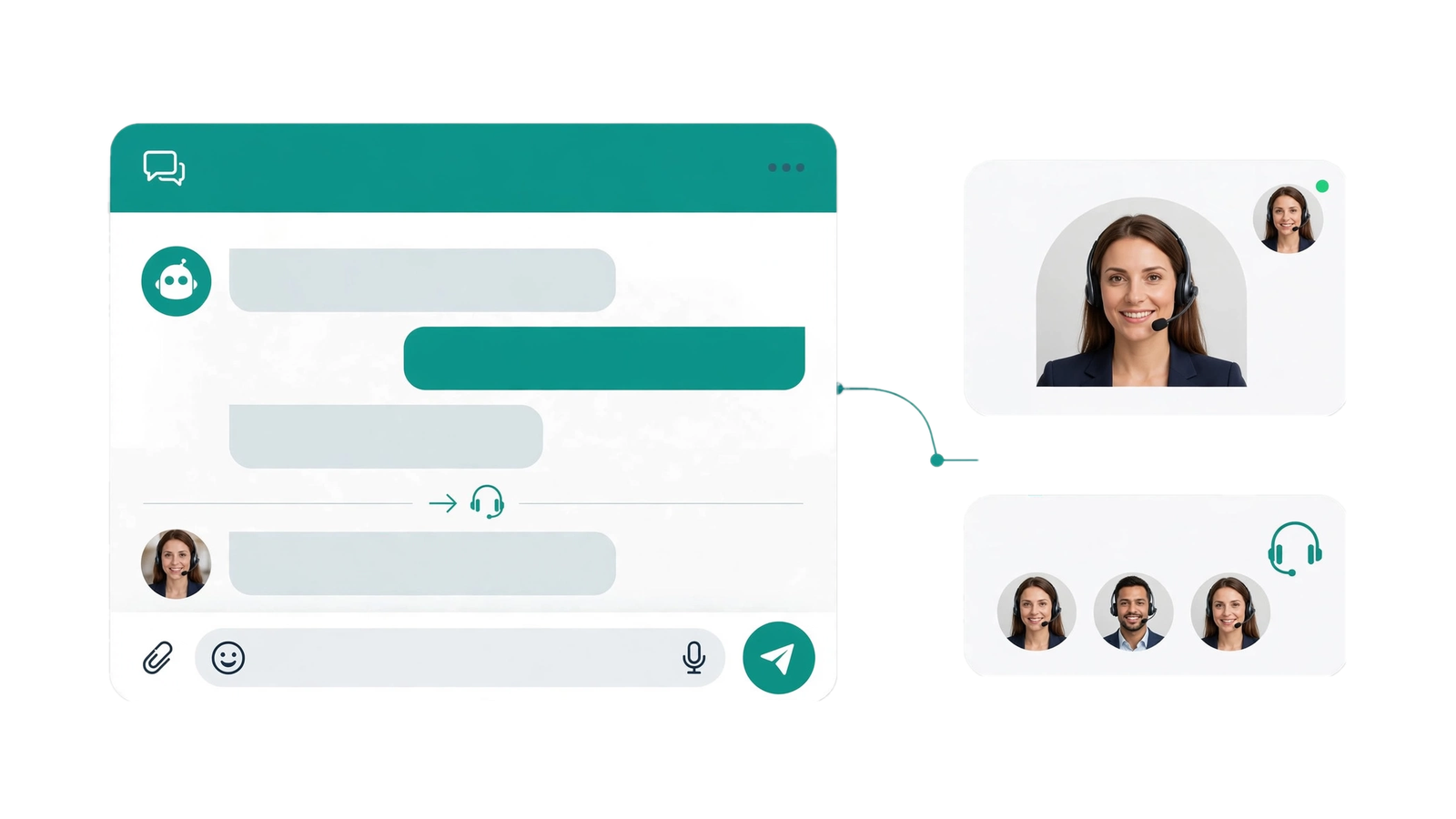
When you ask how much a custom AI chatbot costs, the first question is what you want it to do. An assistant that answers service questions needs a different budget from one that looks up customer records or creates support tickets. You also need to account for running costs after launch, not just the initial build.
Start with the business outcome
Write down the job you want the assistant to handle before requesting a quote. Who will use it, where will they use it and what should they be able to finish? For example, helping website visitors choose a service is a clearer starting point than asking for a bot that can answer everything.
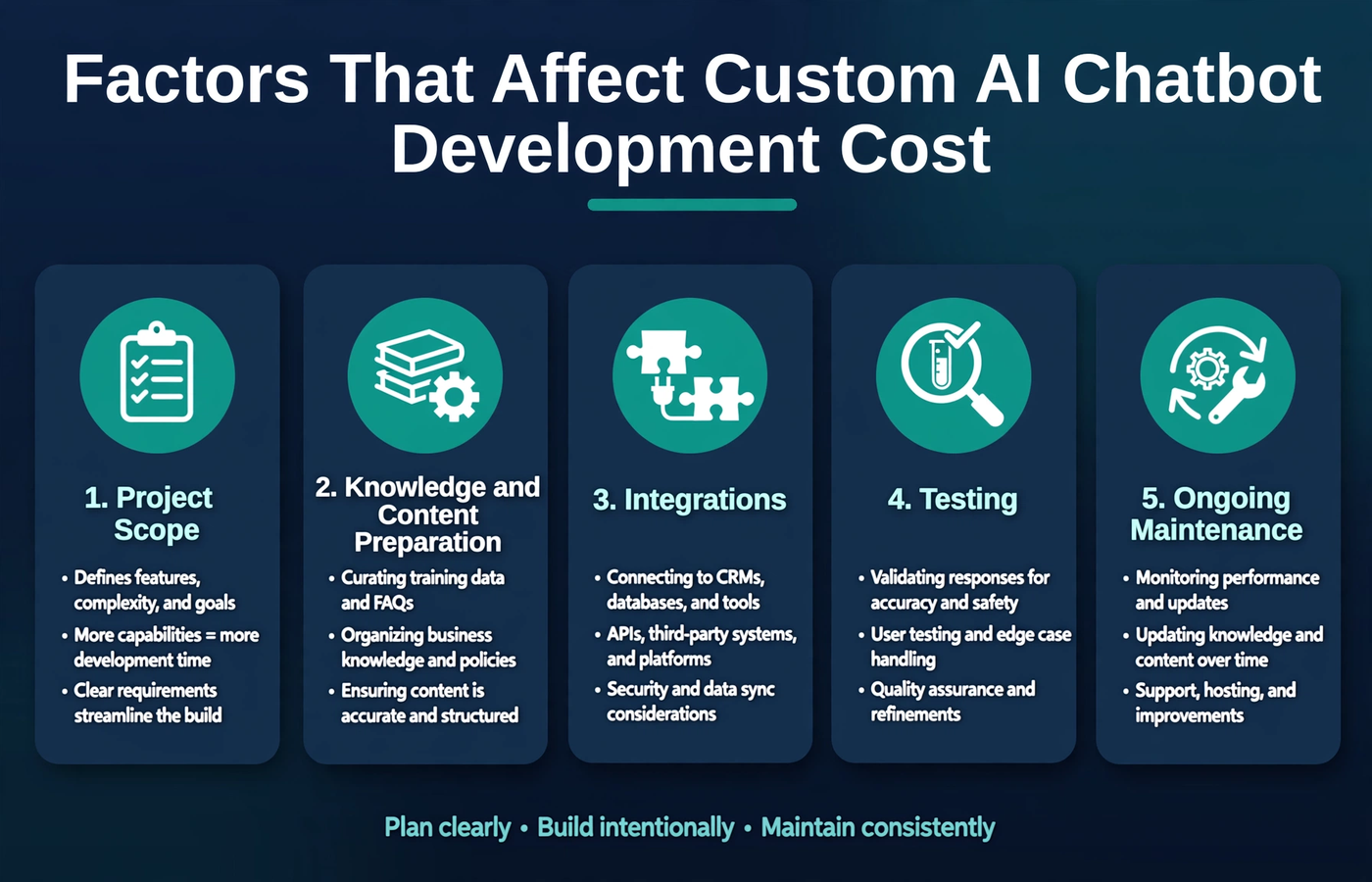
Budget for implementation, integrations, testing and ongoing maintenance.
What affects AI chatbot development cost?
1. Project scope
List the tasks you need at launch and the ones that can wait. Answering approved FAQs is a smaller job than retrieving account details or changing records. Extra languages, channels and actions all need development and testing, so include them explicitly in the brief.
2. Business content preparation
Set aside time to review the information the chatbot will use. Old prices and conflicting documents need sorting out, and someone needs to own future updates. This does not automatically mean training a new AI model; getting your business content into a reliable state is often the more useful work.
3. Integrations
A CRM, helpdesk or calendar connection depends on what the platform lets you access. Reading a record is different from changing one. Ask the developer to name the included systems, explain access requirements and describe what the assistant does if a connection fails.
4. Testing and release
Test with the questions customers actually ask, including unclear requests and topics the assistant cannot handle. Check that handoffs work. If it can take actions, test permissions and confirmation too. The budget should include time to fix issues and test those fixes before launch.
5. Ongoing maintenance
Ask for a separate breakdown of hosting, AI usage, monitoring, content updates and support. Find out what is included in the development fee and what you will pay each month or as usage grows. An estimate based on your expected traffic is more useful than a running-cost figure with no assumptions.
Compare a focused assistant with an integrated workflow
Imagine two businesses requesting a chatbot. One wants answers from its website and a link to a contact form. The other wants customers to sign in, check CRM information and create a support ticket after confirming the details. The second project needs more integrations and more ways to handle errors. Compare quotes for the same job rather than comparing the word “chatbot” on each proposal.
What should a development quote include?
- Supported use cases, channels and languages.
- Included knowledge sources and content preparation responsibilities.
- Named integrations, actions and access requirements.
- Human handoff and behavior for unanswered questions.
- Testing, acceptance criteria and launch support.
- Ownership, documentation and recurring service charges.
- The process and cost for changes after launch.
How to keep the first release manageable
Start with a recurring question or task that your team understands well. Use information you already trust and add only the integrations you need for that task. Agree on what a useful result looks like, then review unanswered conversations after launch. Saving money by skipping testing can leave you with more work later.
Frequently asked questions
Is there one standard price for a custom AI chatbot?
No. A meaningful price needs a clear list of tasks and requirements. Compare the build fee and ongoing costs separately, and ask what each estimate assumes about traffic, integrations and support.
Does every chatbot need custom model training?
No. Many assistants use an existing model alongside approved business information. Extra training should solve a specific problem, not appear in the quote simply because the project involves AI.
Can we add integrations later?
Often, yes, but check the platform access and proposed architecture first. Mention likely future connections during planning so the first version leaves room for them.
Plan your chatbot budget around a clear scope
Prepare a short list of supported tasks, your existing systems and the information available to the assistant. Explore Devxer’s custom AI chatbot and assistant development to discuss the implementation scope. For a related decision, read AI chatbot vs workflow automation.

